Welcome
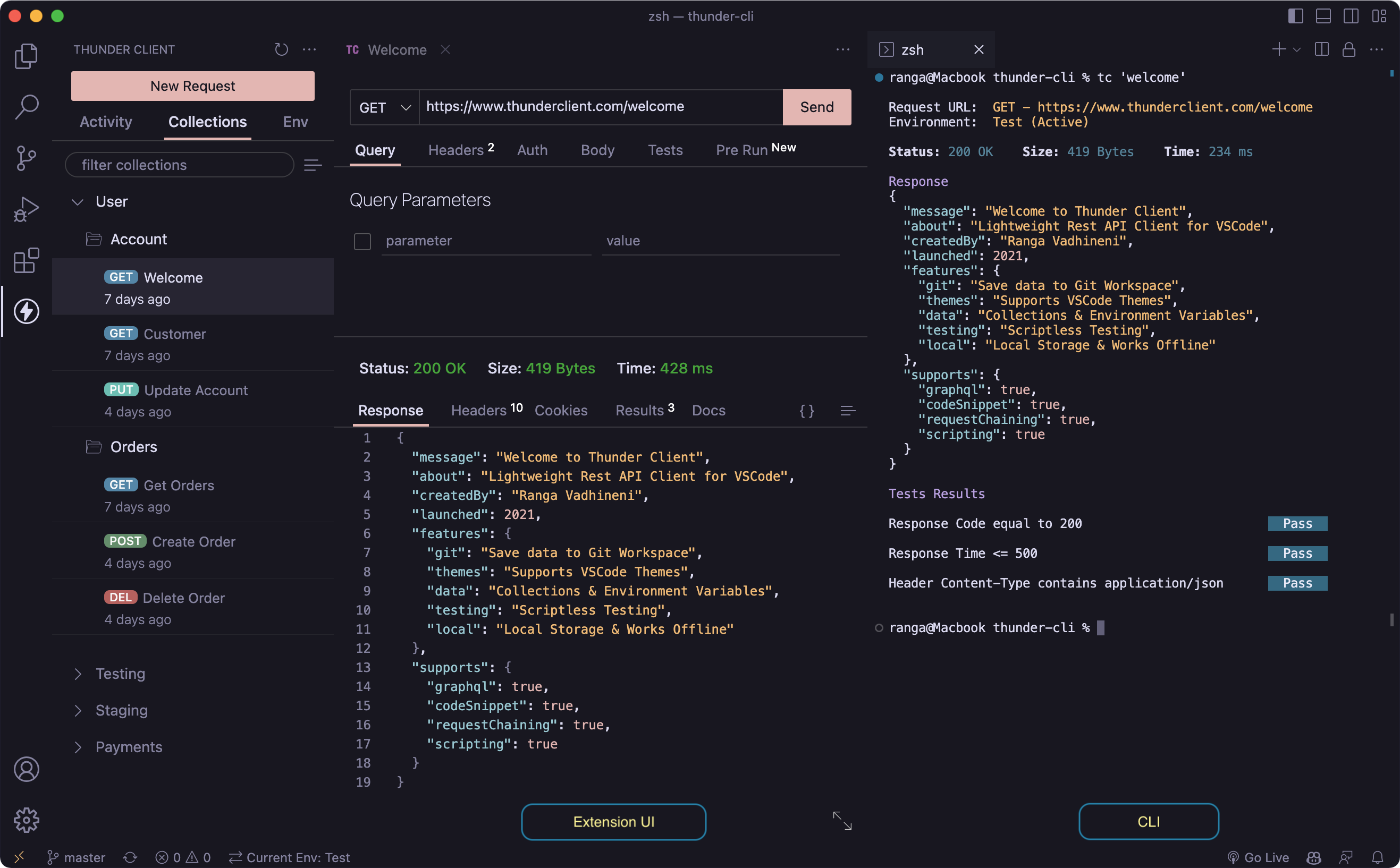
Thunder Client is a lightweight Rest API Client Extension for Visual Studio Code, hand-crafted by Ranga Vadhineni with a focus on simplicity, clean design and local storage. You can report any Bugs Or Feature requests on our Github page.



How to Use
- Install the extension, click the
Thunder Client iconon the Action Bar. - Video: youtube.com/watch?v=NKZ0ahNbmak
Requirements
- The minimum VS Code version now required is
v1.85.0. - Node.js version
v18.0.0or higher is required.
Main Features
- Lightweight and easy to use REST API Client.
- Supports Collections and Environment variables.
- Scriptless Testing: Easily test API responses with a GUI-based interface.
- Local Storage: The extension saves all data locally on the user’s device.
- Git Sync: Save requests data in your Git repository for team collaboration.
- Advanced CLI: Run requests, collections from the terminal and integrate with CI & CD.
Innovations
- First to introduce GUI based API Client for VS Code.
- First to introduce 100% local storage API Client.
- First to introduce Scriptless Testing.
- First to introduce an advanced CLI that runs Requests, Collections and cURL commands.
- More to come…
Storage Location
The requests data files default storage location paths:
- Windows:
%APPDATA%\Code\User\globalStorage\rangav.vscode-thunder-client - Linux:
~/.config/Code/User/globalStorage/rangav.vscode-thunder-client - Mac:
/Users/{{userName}}/Library/Application Support/Code/User/globalStorage/rangav.vscode-thunder-client/- Replace
{{username}}with yours.
- Replace
For VSCode Server:
- Linux:
~/.vscode-server/data/User/globalStorage/rangav.vscode-thunder-client
Release Notes
- Please refer to the release notes on the GitHub page
Contribution
- If you’d like to improve documentation, please submit a PR.
- Suggestions to further improve the product.
Last updated on