License Management
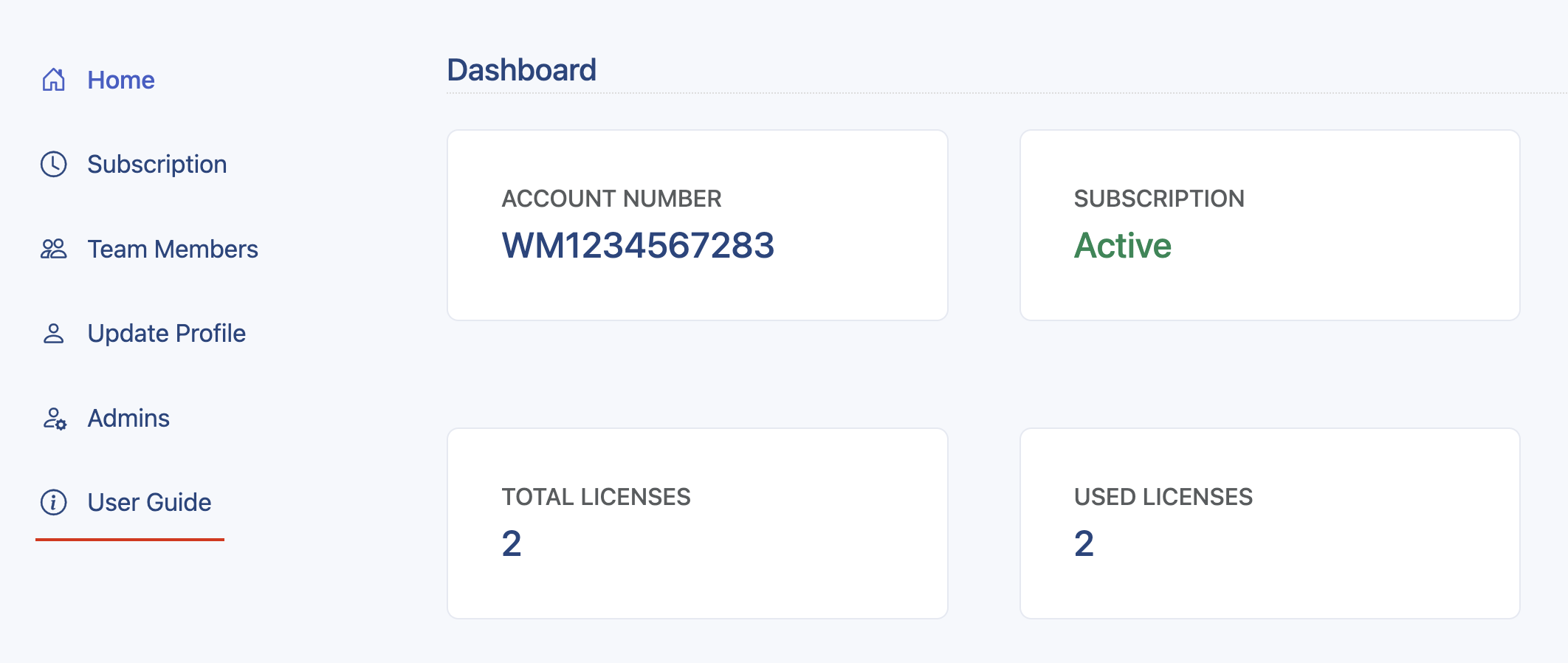
Thunder Client provides a license management feature that allows you to manage your subscription and team members from the website . The license management is available for the community and paid plans only.
User Guide
Please login to the dashboard and follow the steps below to purchase and use the license with the Thunder Client extension.
- Licenses: Purchase the required plan and the number of seats from the “Subscription” tab.
- Team Members: Add user emails who need access to the license in the “Team Members” tab.
- Extension Login: Follow the instructions to log in through the extension.
- Admins (Optional): If needed, add additional admins to manage licenses from the “Admins” tab.
Last updated on